Best AI Tools for Business in 2026: How to Choose What You Actually Need
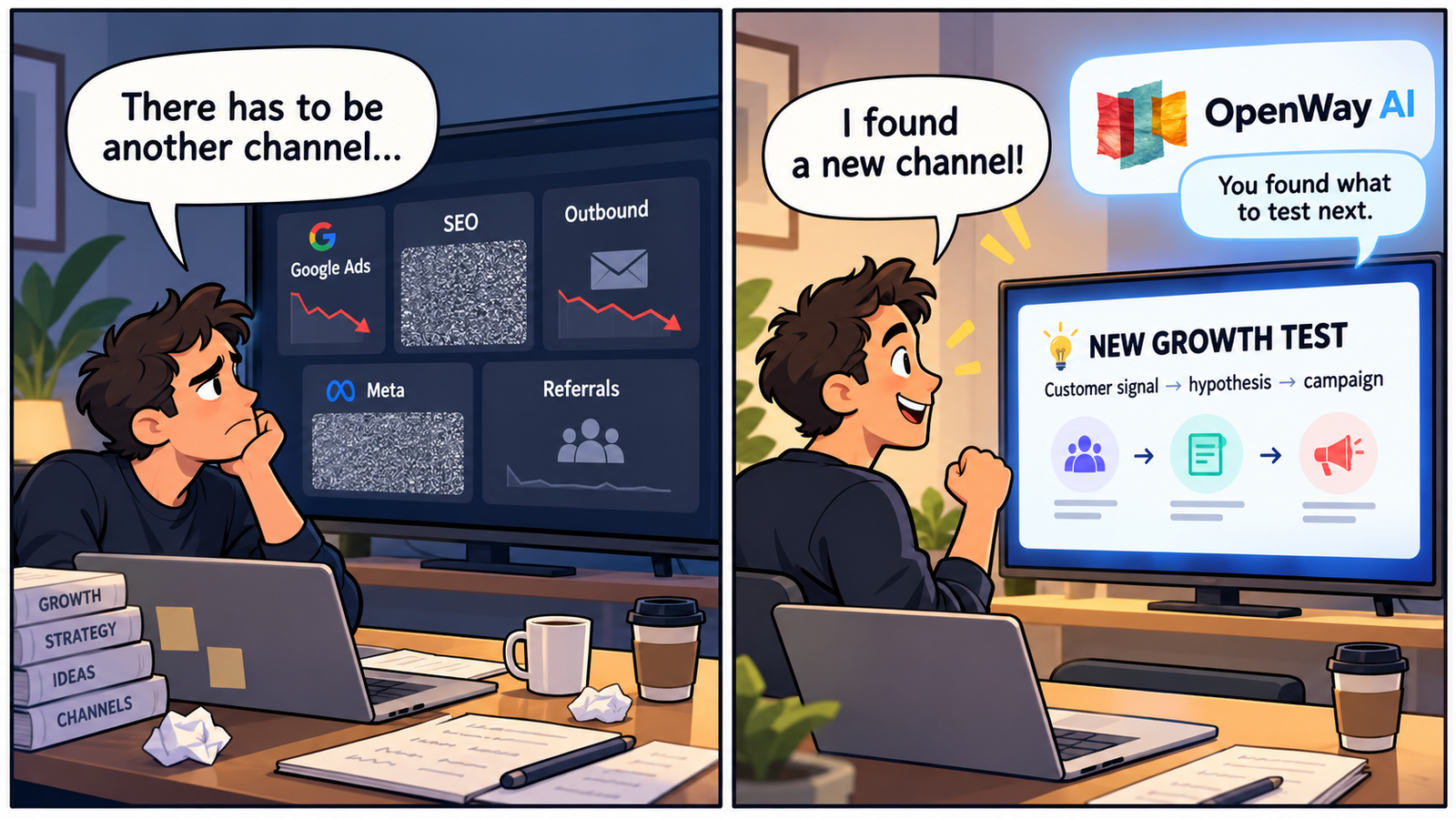
Ask ten teams to name the best AI tool for business and you may get ten different answers. A finance team wants less manual reconciliation. Legal needs research it can verify. Sales wants AI that understands customer and deal context. Developers care about code and repositories, while growth teams may need market research, customer signals, landing pages, outreach, and faster experimentation.
Those tools should not be ranked as if they were solving the same problem.
A more useful way to choose business AI in 2026 is to ask three questions: What job do you need done? What business data should the AI understand? What needs to happen after the task is complete?
OpenWay AI overlaps several of the functions in this guide, including market research, customer and sales context, landing pages, email campaigns, and business growth. Its clearest category, however, is growth and go-to-market: helping B2B teams use what the company already knows to identify opportunities, act on them, and carry the results into the next iteration.
What are the best AI tools for business by use case?
There is no meaningful way to give a legal AI platform, an accounting system, and a coding assistant a single numerical score. A more useful comparison is to map each product to the work it is designed to help with.
| Business function | AI tools to consider | What they do | Best fit |
|---|---|---|---|
| General-purpose AI | ChatGPT, Claude, Gemini | Help with writing, analysis, research, documents, brainstorming, coding, and other knowledge work | Teams that need a flexible AI assistant across many individual tasks |
| Office productivity | Microsoft 365 Copilot, Google Workspace with Gemini, Notion AI | Bring AI into email, documents, spreadsheets, presentations, meetings, and internal knowledge | Companies that want AI inside the productivity software employees already use |
| Market and business research | Perplexity, ChatGPT, Claude, OpenWay AI | Research markets, competitors, trends, customer signals, and business opportunities | Teams that need external research, or want to combine market information with what their own business already knows |
| CRM and sales context | HubSpot Breeze, Salesforce Agentforce, OpenWay AI | Work with customer records, pipeline, deal context, sales activity, and signals from customer interactions | B2B teams that want customer and sales data to inform sales or growth decisions |
| Finance and accounting | QuickBooks with Intuit Intelligence, Ramp, Vic.ai | Support bookkeeping, spend management, accounts payable, financial analysis, and reporting | Finance teams that need AI close to transactions and accounting data |
| Legal work | CoCounsel Legal, Harvey | Support legal research, document review, drafting, and matter analysis | Legal teams that need professional sources, confidentiality, and human review |
| Customer support | Intercom Fin, Zendesk AI | Answer common questions, use support knowledge, assist with tickets, and automate repetitive service work | Support teams dealing with high volumes of recurring customer requests |
| Design and creative production | Canva, Adobe Firefly | Create and adapt visual assets, campaign creative, presentations, and branded content | Marketing and creative teams that need to produce more assets faster |
| Websites, landing pages, and growth assets | Webflow, Framer, OpenWay AI | Build websites and landing pages and turn ideas into customer-facing assets | Teams that need to move quickly from an idea or growth hypothesis to something they can put in front of customers |
| Email and customer outreach | HubSpot, Klaviyo, Mailchimp, OpenWay AI | Create and run email campaigns, nurture flows, outreach, and customer communications | Teams that need repeatable customer communication based on audience or business context |
| Software development | GitHub Copilot, Cursor | Help developers write, understand, review, and modify code | Engineering teams working inside codebases and repositories |
| Workflow automation | Zapier, Make | Connect applications and automate repeatable actions between systems | Teams spending too much time manually moving data from one tool to another |
| Growth and go-to-market | OpenWay AI | Research opportunities, analyze customer signals, build growth assets, run email outreach, and use previous decisions and results when planning the next growth task | B2B growth teams with customers, sales conversations, campaigns, experiments, and operating history they can learn from |
Some products appear in more than one row because business AI increasingly crosses functional boundaries. OpenWay AI is one example: it can support market research, work with CRM and sales context, create landing pages and email campaigns, and help teams act on growth opportunities. What connects those capabilities is business memory: the ability to use what the company has already learned instead of treating every task as a fresh start.
That is different from saying OpenWay replaces the specialist tools around it. HubSpot and Salesforce are built around CRM workflows. Webflow and Framer focus on web production. Finance, legal, coding, and support all have their own specialized systems. The useful question is not whether one platform can technically do everything, but where each tool fits in the actual business process.
Why is there no single best AI tool for every company?
“AI for business” is not one workflow. A CFO evaluating AI for accounts payable is solving a very different problem from a sales leader working on pipeline or a growth team testing a new market.
General-purpose AI is attractive because it can handle a broad range of tasks. Specialized products are useful because they sit much closer to the systems, data, and controls of a particular function. A legal team needs authoritative sources and traceability; a creative team cares about editable assets and brand consistency; developers need repository context and security controls.
The mistake is not choosing a broad tool or a specialized one. It is buying AI because the feature list looks impressive before identifying the business process that actually needs to improve.
When is general-purpose AI enough?
For many individual tasks, it is entirely sufficient. If someone needs to summarize a document, structure an argument, analyze information, create a first draft, explore an idea, write code, or work through a large amount of material, starting with ChatGPT, Claude, Gemini, or another general-purpose system may be simpler than adding a specialist product.
This works particularly well when the task is self-contained. You provide the context, complete the work, review the result, and move on.
The limitation becomes more visible when the work repeats. Imagine a marketing team analyzing 40 customer interviews, finding three recurring objections, and changing a landing page as a result. Three months later, another batch of interviews arrives. A general-purpose AI can analyze both sets well, but unless the surrounding workflow preserves what happened between them, the second analysis may have no idea why the page changed or whether the first hypothesis worked.
At that point, the issue is no longer the intelligence of the model. It is the company's ability to preserve and reuse its own context.
When do specialized AI tools make more sense?
Specialized AI becomes more useful when understanding the workflow is as important as generating an answer.
In finance and accounting, businesses usually need more than a chatbot that can discuss numbers. They need transactions, reconciliations, permissions, reporting, and an audit trail. In legal work, a plausible answer is not enough when someone is researching case law, reviewing a contract, or preparing work with legal consequences.
The same logic applies elsewhere. Customer support needs access to support knowledge and escalation workflows. Developers need repository context and code review. Creative teams need editable formats and brand controls. CRM teams need customer and deal records close to the work.
Specialization matters because different business functions have very different definitions of a good result.
What should you evaluate before adding another AI tool?
The tool itself is only part of the decision. The surrounding workflow often determines whether AI creates real business value or simply becomes another subscription.
| Question | Why it matters |
|---|---|
| What exact task are we trying to improve? | Prevents buying a broad AI product for a problem that needs a specialized workflow |
| Where does the relevant business data live? | A tool that cannot access the necessary CRM, accounting, document, or product data may require constant manual context |
| Does the AI need to answer, create, or actually take action? | Producing a recommendation and changing a live business system are very different levels of responsibility |
| What requires human approval? | Financial, legal, customer-facing, and budget decisions often require explicit control |
| How will we verify the output? | High-stakes functions need sources, auditability, or professional review |
| What happens to what we learn? | If useful conclusions disappear when the task ends, the company may repeatedly rediscover the same things |
| Does it fit the existing stack? | A tool can create more value when it works naturally with the systems the team already uses |
The last two questions become more important as companies add more AI products. A business can have excellent systems for sales, finance, research, design, development, and customer support and still reproduce an old software problem in a new form: every system knows something useful, but the reasoning behind business decisions remains fragmented.
Where does business context get lost?
Consider a B2B company using one system for CRM, another for sales calls, a research tool, a creative platform, accounting software, advertising platforms, and several general-purpose AI assistants.
There is nothing wrong with that stack. Each specialized product may be excellent at its job.
Now imagine that sales discovers a recurring objection. Marketing changes a landing page because of it, and conversion improves. Six months later, the company enters a new segment where customers start raising a similar concern.
The original calls may still exist. The old landing page can probably be found. Analytics still has the conversion data. What is harder to recover is the connection between those events: what the company learned, what it decided to change, and what happened afterward.
Technically, the data was never lost. The business history behind the decision was.
What is business memory?
Business memory is the accumulated understanding behind a company's actions: what the company learned, what it decided, why it made that decision, and what happened next.
Learn more about business memory
That is different from simply storing documents or CRM records. A knowledge base can tell AI what the product does. A CRM can show that a prospect raised an objection. Analytics can show that conversion changed.
Business memory connects those facts into something the next decision can actually use. If customers repeatedly raise a concern, the company forms a hypothesis, changes its messaging, tests the new version, and learns something from the result, that sequence should remain useful when a similar question appears later.
Where does OpenWay AI fit?
OpenWay AI overlaps several of the categories above because growth work itself crosses several functions.
A growth initiative may begin with market and competitor research, move into customer and sales signals, lead to a landing page or email campaign, and end with a result that changes what the company does next. In many B2B businesses, a founder, Head of Growth, or marketing team still has to connect those stages manually.
OpenWay AI helps businesses find and test ways to grow using company history and current business context. It can support market research, work with customer and deal information, create landing pages and email campaigns, and keep the results available for later work. The broader goal is not to replace every specialist product, but to make growth work less dependent on repeatedly reconstructing what the business already knows. Вставленный текст
That distinction matters particularly around CRM. OpenWay can use CRM context, but it does not need to replace the CRM itself. For example, the OpenWay app for HubSpot can read contacts, companies, and deals while HubSpot remains the system of record; the integration is currently read-only. Вставленный текст
For a B2B growth team, the practical benefit is less repeated explanation and manual preparation, faster movement from a customer signal or opportunity to an actual piece of growth work, and a better chance that what the company learns today remains useful tomorrow.
What does that look like in practice?
One OpenWay AI case began with 126 sales calls from the previous three months. An implementation concern appeared explicitly in 21 calls, and eight of those opportunities later slowed down or went cold. Вставленный текст
Finding the pattern was useful, but it was not the endpoint. Elsewhere in the company, evidence already existed that similar customers had successfully implemented the product without dedicated implementation teams. Connecting those two pieces of information gave the team something actionable: a recurring customer concern on one side and existing proof that could address it on the other.
That insight could then influence website messaging and follow-up communication.
The useful part was not simply asking AI to summarize another batch of calls. It was using what the company already knew to decide what should happen next.
Does a business need one AI tool or many?
Usually, many.
Trying to force every business function into one AI product can make the stack worse rather than better. Accounting, legal research, CRM, creative work, software development, and growth all rely on different data and professional workflows.
The goal should not be to minimize the number of AI products at any cost. A better question is which functions benefit from specialized AI, which tasks are fine with a general-purpose assistant, and which knowledge needs to survive as work moves between systems.
A dozen useful tools can still leave a company repeatedly relearning the same lessons if important decisions, experiments, and conclusions remain trapped inside individual chats and applications.
How should you choose an AI tool for business?
Start with the business problem, not the AI category.
If the problem is accounting, look first at accounting systems with AI inside the workflow. If legal needs research and document review, evaluate legal AI. If developers need help inside a codebase, use tools designed for software development. If the team is trying to improve recurring B2B growth work, look at products that can work with customer evidence, research, business history, and the actions that follow from them.
Then look beyond the first task. Consider what data the AI needs, how its output will be verified, what should remain under human control, and whether the business will still be able to use what it learns six months from now.
That is a more reliable way to build an AI stack than searching for one product that promises to do everything.
FAQ
What are the best AI tools for business in 2026?
There is no single best AI tool for every function. ChatGPT, Claude, and Gemini are broad general-purpose options. Microsoft 365 Copilot and Google Workspace with Gemini focus on productivity; HubSpot Breeze and Salesforce Agentforce work around CRM and sales workflows; QuickBooks, Ramp, and Vic.ai address finance; CoCounsel Legal and Harvey focus on legal work; GitHub Copilot and Cursor support software development; and OpenWay AI spans research, customer context, growth assets, and recurring B2B growth and go-to-market work.
What AI tools can businesses use for accounting and finance?
The right choice depends on the workflow. Products such as QuickBooks with Intuit Intelligence, Ramp, and specialized accounting AI platforms can support different parts of finance and accounting work. Businesses should evaluate controls, auditability, integrations, data quality, and professional review rather than choosing financial software based only on generative AI features.
What AI tools are available for legal teams?
Legal teams can use specialized platforms such as CoCounsel Legal and Harvey for tasks including research, drafting, and document analysis. Because legal work is high stakes, source quality, jurisdiction, confidentiality, verification, and professional review matter more than fluent text generation alone.
Does a business need more than one AI tool?
Usually, yes. A company may use different AI products for finance, CRM, development, research, support, creative work, and growth. The important question is whether useful company knowledge and previous results remain available as work moves between those systems.
How does OpenWay AI fit into a business AI stack?
OpenWay AI spans several growth-related workflows rather than serving only one narrow function. It can support market research, use customer and sales context, create landing pages and email campaigns, and help teams carry previous decisions and results into the next growth task. It is designed to work alongside specialized systems rather than replace the entire business stack.
Try OpenWay AI on a real growth task
Bring one real growth problem where your business already has data, decisions, and experience.
Share this article